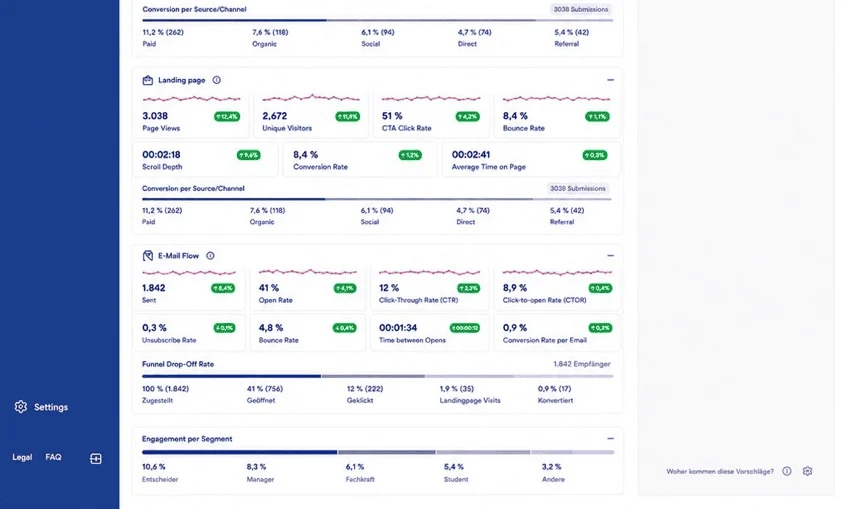
Generate new leads.
Nurture your contacts.
PinkBridge is marketing software for small teams. It helps businesses attract new prospects, organise marketing contacts and develop those relationships with relevant information. To do this, PinkBridge connects websites, landing pages and forms with Marketing Contact Management, newsletters, broadcasts and automated email flows. Social media and a central media library support your work across channels.
Why use PinkBridge?
Turn separate marketing activities into a connected workflow.
Are you looking to reach new prospects and systematically develop your existing contacts? PinkBridge connects lead generation with nurturing: the targeted qualification and development of a contact. You draw attention to your offering, capture new contacts and decide which information they should receive next. Relevant content and planned email flows help you guide prospects from initial interest to the next conversation.
From initial interest to the next conversation.
1. Build awareness
Present your topics and offering through your website, landing pages, email and social media.
2. Generate new leads
Capture prospects through forms and organise their details in Marketing Contact Management.
3. Nurture your contacts
Provide selected recipients with relevant information - for example, an introductory email, a practical use case and further emails in a planned sequence.
4. Invite a conversation
Offer a specific next step and review the results of your marketing activities.
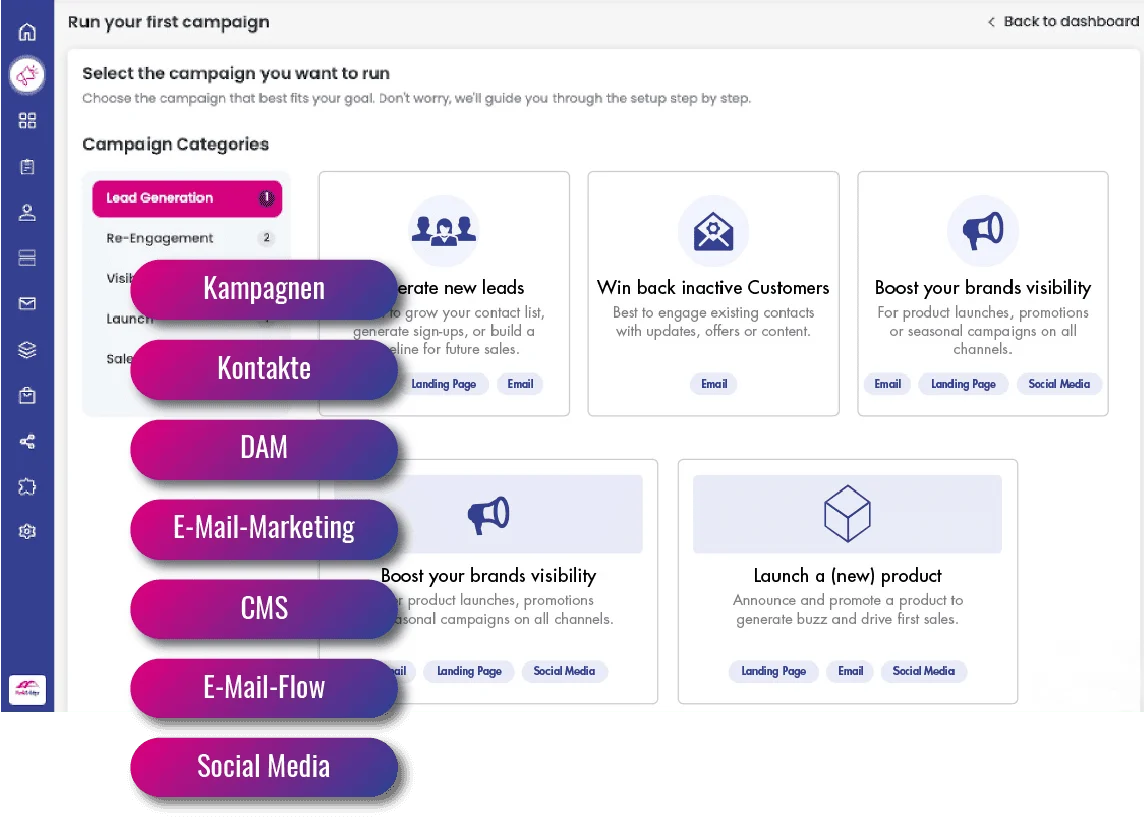
In the Campaign Center, these connected marketing activities are brought together in one workflow.
Connected tools for your marketing work.






Qualify marketing contacts and connect with sales.
PinkBridge supports lead generation, contact management and targeted nurturing through Marketing Contact Management - MCM for short. It does not replace a full sales CRM for managing opportunities, tracking proposals or forecasting revenue. Automated sales qualification or purchase-readiness assessment beyond this scope requires an additional CRM with the relevant capabilities when used alongside PinkBridge. We assess which data can be exchanged and which qualification rules can be used based on your use case.
Already using HubSpot CRM?
PinkBridge offers a plugin that lets you bring contact and company data from HubSpot into PinkBridge and use it for your marketing activities.